Save Your Dream Properties: A Complete Guide to Ghecs Favorites Feature
Ghecs
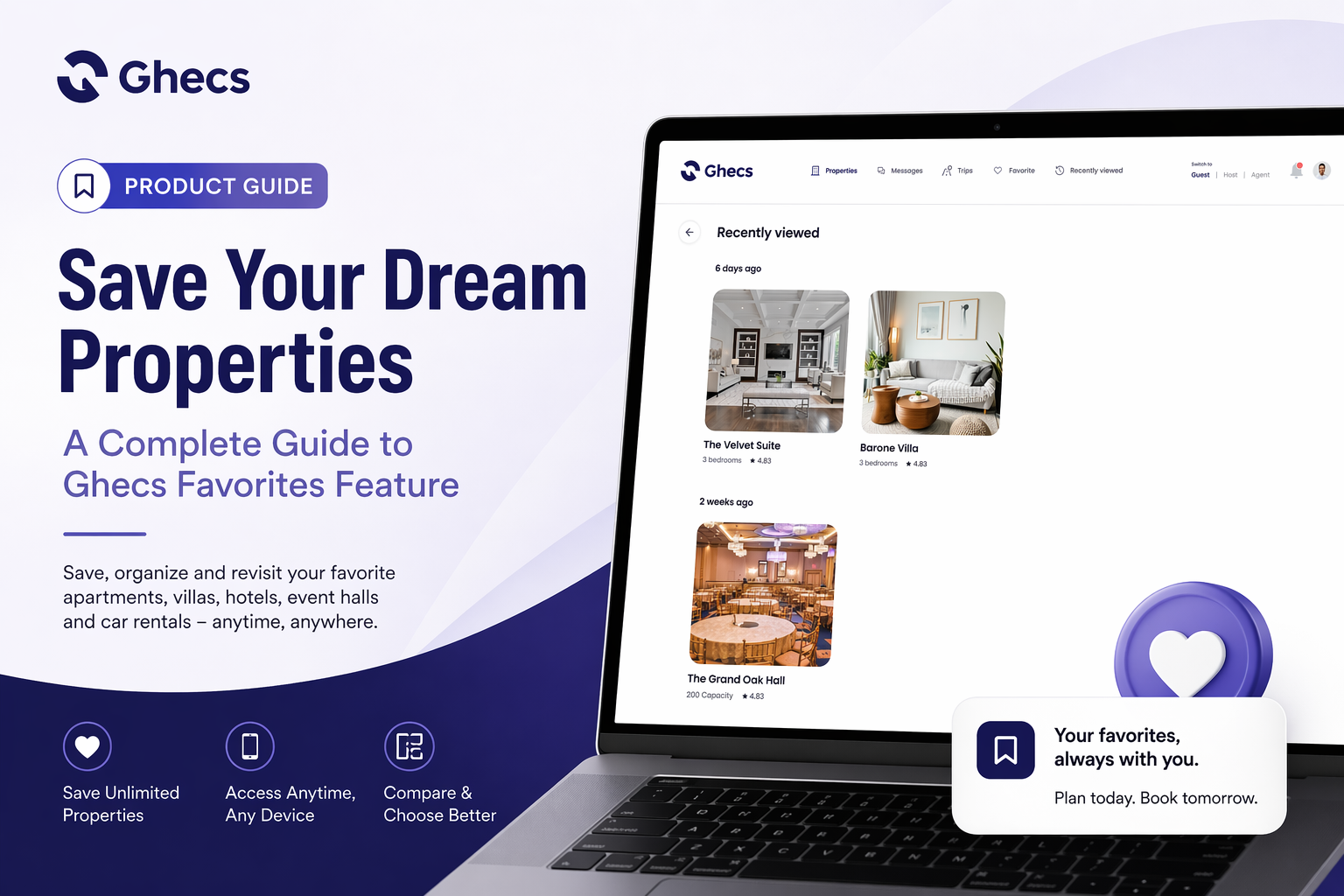
Finding the perfect accommodation for your Lagos business trip, Port Harcourt weekend getaway, or Abuja event takes time and research. You browse through dozens of stunning apartments, compare luxury villas, and bookmark promising event spaces – only to lose track of them when you're ready to book.
Sound familiar?
We've heard from hundreds of Ghecs users who've experienced this frustration. That's why we built the Favorites feature – your personal collection of dream properties that's always just one tap away.
In this guide, we'll show you exactly how to save properties to your Favorites, organize them efficiently, and access them whenever you need – whether you're booking today or planning months ahead.
What Is the Ghecs Favorites Feature?
The Ghecs Favorites feature is your personalized wishlist for saving properties you love. Think of it as your private collection where you can store shortlet apartments, luxury villas, event halls, and even car rentals you're considering – all in one convenient place.
Key Benefits:
Save unlimited properties
across all categories (Stays, Hotels, Event Halls, Cars)
Access your favorites anytime
from any device
Compare properties side-by-side
without endless scrolling
Share favorites
with travel companions or event planners
Track price changes
on saved properties (coming soon)
Quick booking
when you're ready to confirm
How to Add Properties to Your Favorites: Step-by-Step
Adding properties to your Favorites is incredibly simple. Here's exactly how to do it:
Method 1: From the Property Listing Page
Step 1: Open the Ghecs app or visit www.ghecs.com on your browser.
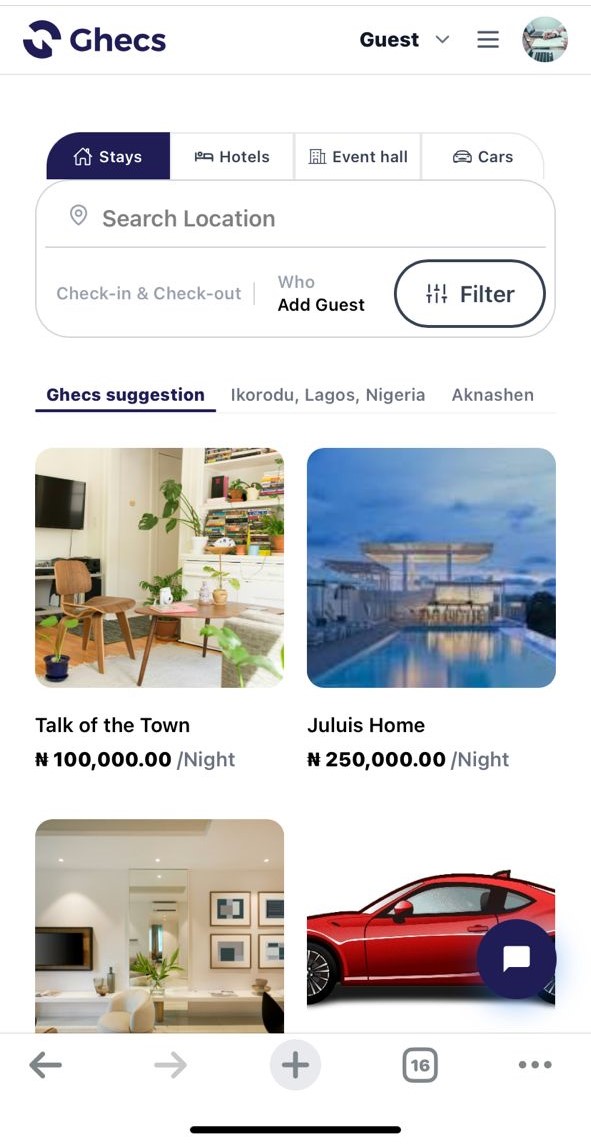
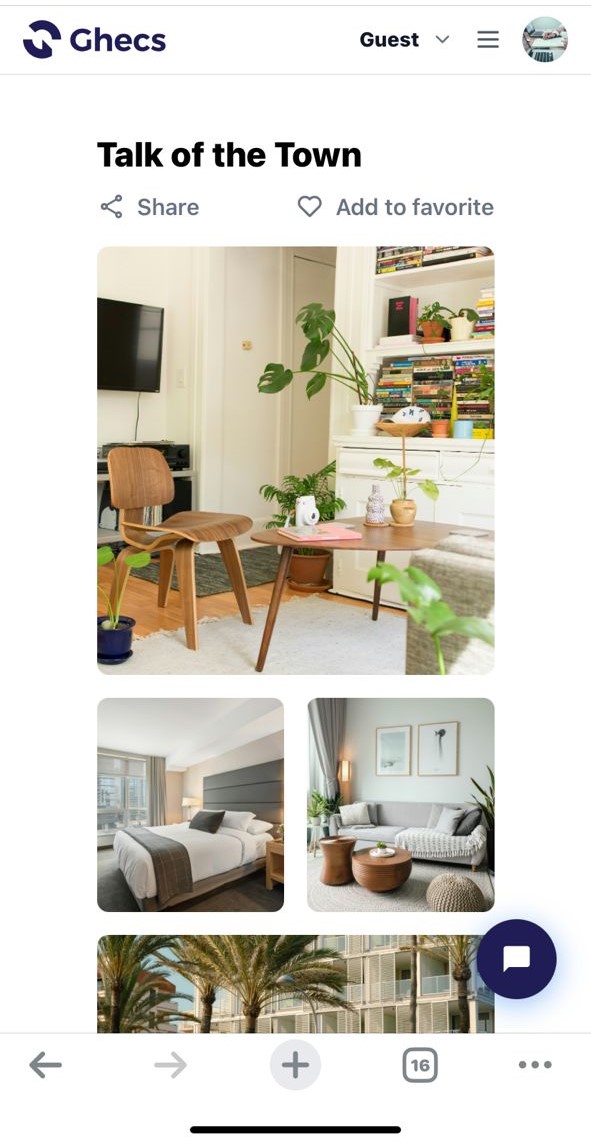
Step 2: Look for the heart icon next to the "Share" button at the top of the property details page. As shown in the "Talk of the Town" example, this icon is prominently displayed alongside the property name.
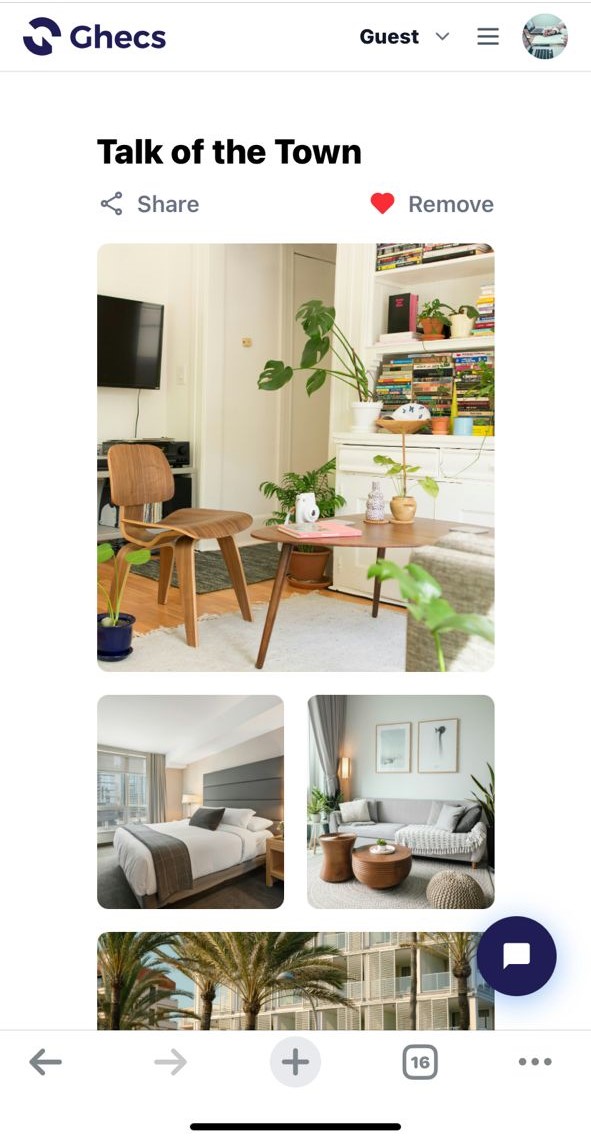
Step 3: Tap the heart icon to save the property. The icon will fill in to show it's been added to your Favorites.
Step 4: Continue browsing property photos, checking amenities (like WiFi, Self Check-in, Swimming pool, or 24-hour electricity), and reviewing cancellation policies. Your favorite is already saved, so you can return anytime.
What Properties Can You Favorite?
The Favorites feature works across all Ghecs categories:
Stays:
Shortlet apartments, luxury villas, and residential properties
Hotels:
Boutique hotels, business hotels, and resort accommodations
Event Halls:
Wedding venues, conference centers, and party spaces
Cars:
Rental vehicles for business or leisure travel
This means you can plan an entire trip – accommodation, event venue, and transportation – all from your Favorites collection.
How to Access Your Saved Favorites
Once you've saved properties to your Favorites, accessing them is just as easy as adding them.
Step 1: Tap the menu icon (three horizontal lines) in the top-right corner of your screen. This opens the navigation menu.
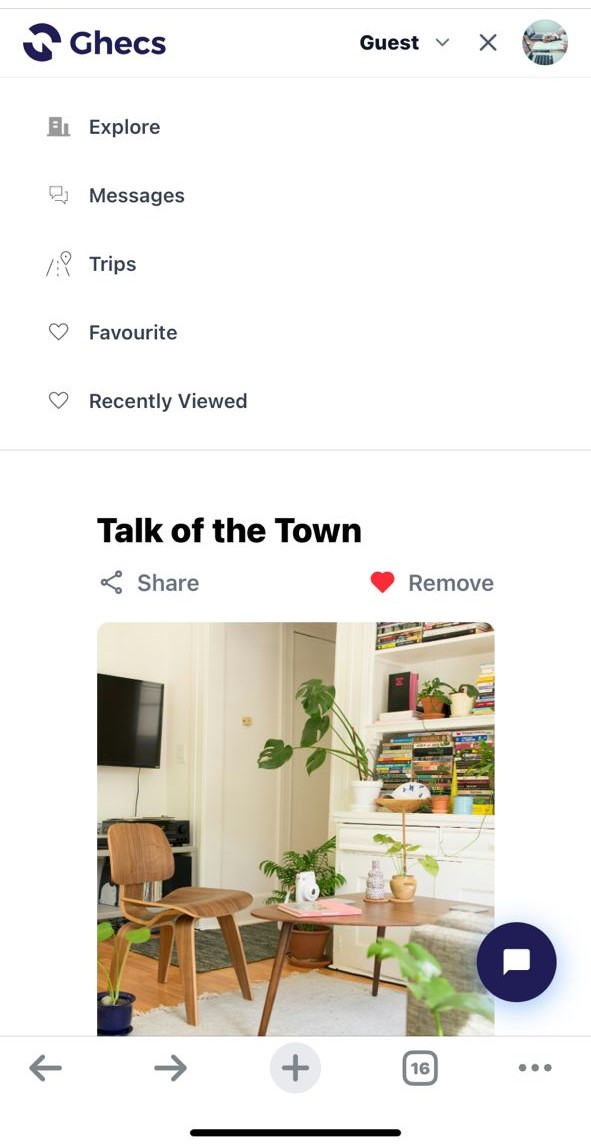
Step 2: From the menu, select "Favourite" (you'll see it listed below "Trips" and above "Recently Viewed").
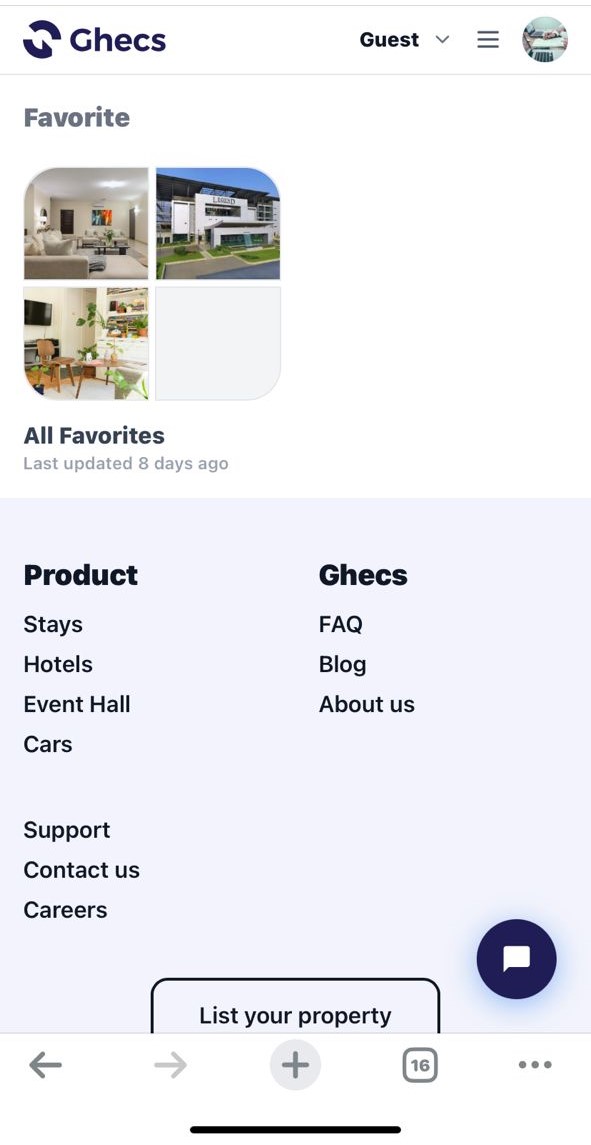
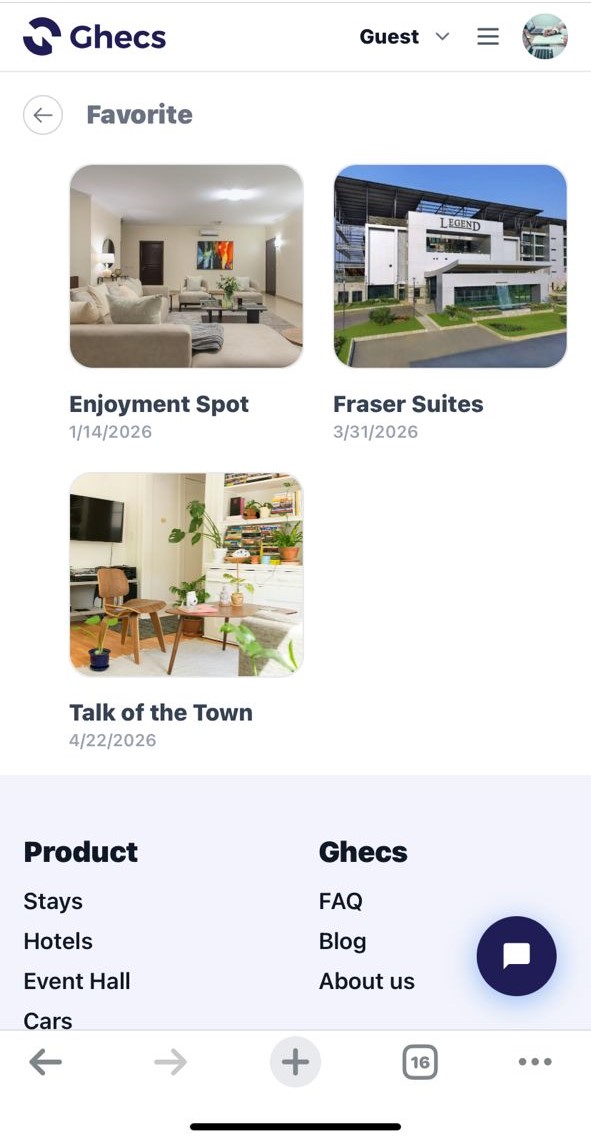
Step 4: Your Favorites screen opens, displaying all the properties you've saved in a beautiful grid layout.
What Properties Can You Favorite?
The Favorites feature works across all Ghecs categories:
Stays:
Shortlet apartments, luxury villas, and residential properties
Hotels:
Boutique hotels, business hotels, and resort accommodations
Event Halls:
Wedding venues, conference centers, and party spaces
Cars:
Rental vehicles for business or leisure travel
This means you can plan an entire trip – accommodation, event venue, and transportation – all from your Favorites collection.
Why You Need to Use Favorites
For Business Travelers
If you frequently travel between Nigerian cities for work, Favorites helps you maintain a curated list of reliable accommodations. Save your go-to apartments in Lagos, Abuja, and Port Harcourt, then book instantly when your next trip comes up – no repeated searching needed.
For Event Planners
Planning a wedding, conference, or corporate event? You'll browse multiple venues before deciding. Favorites lets you save all your top options, compare them at your convenience, and share the shortlist with your client or team.
For Vacation Planners & Property Comparison
Dreaming about that perfect getaway? Save properties as you discover them, even months before booking. Instead of keeping multiple browser tabs open or screenshotting properties, organize everything in one place to compare features, prices, and amenities effortlessly.
Your Favorites Sync Across Devices
One of the best features? Your Favorites automatically sync across all your devices. Save a property on your phone during your morning commute, and it'll be waiting in your Favorites when you open Ghecs on your laptop at work.
No more losing track of properties or wondering which device you used to bookmark something.
Using Favorites for Quick Comparison
The Favorites screen layout makes comparing properties effortless. Since all your saved properties display the same key information (name, location, price, rating), you can quickly scan and compare:
Location convenience:
Are you closer to your event venue or business meeting?
Budget alignment:
Which properties fit your price range?
Amenities match:
Which ones offer the specific features you need?